TCGNET

Buy & Sell
Rare Cards

Discover thousands of cards, manage your collection, and trade with collectors worldwide.

Waiting for this month's first sale

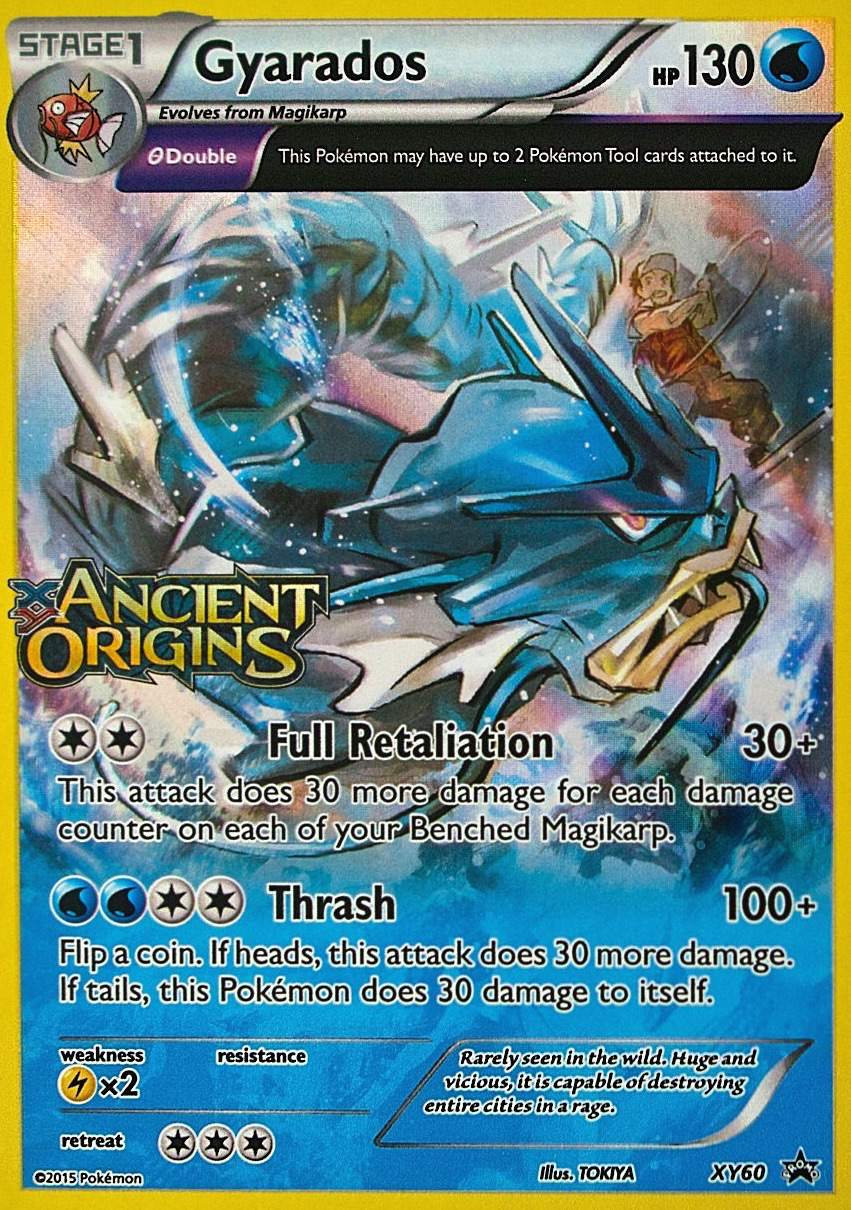
Charizard

Database query walkthrough

Monthly top sale query

Asks for the highest unit-price completed sale from the current calendar month.

Django path
frontend.services.catalog_service.get_most_expensive_card_sold_this_month
Tables touched
PurchaseOrderLine, PurchaseOrder, CardVariant, Card, CardGame, CardSet, CardImage
  1. Define the month window with a start timestamp and an exclusive next-month timestamp.
  2. Ask for purchase order lines whose orders are completed inside that month window.
  3. Ask for the related order, card, game, set, and image rows in the same query path.
  4. Order matching rows by highest unit price, newest purchase time, and newest line id.
  5. Read the first matching row as the monthly top sale.
ORM shape
PurchaseOrderLine.objects.filter(
    purchase_order__status=COMPLETED,
    purchase_order__created_at__gte=month_start,
    purchase_order__created_at__lt=next_month_start,
).select_related(...).order_by(
    '-unit_price', '-purchase_order__created_at', '-id'
).first()

Base Set / RARE

Latest Listings

Database query walkthrough

Latest listings query

Asks for the newest active marketplace listings that still have stock available.

Django path
frontend.services.listing_service.list_listings
Tables touched
MarketListing, InventoryItem, CardVariant, Card, CardGame, CardSet, CardImage, User
  1. Ask for MarketListing rows with ACTIVE status and quantity_available greater than zero.
  2. Ask for seller, inventory item, card variant, card, game, set, and image rows through the listing relationship.
  3. Apply any search or filter parameters supplied by the browsing surface.
  4. Order listings by newest created_at value, then id for stable results.
  5. Limit the answer to the six rows displayed on the home page.
ORM shape
MarketListing.objects.filter(
    status=ACTIVE,
    quantity_available__gt=0,
).select_related(...).order_by('-created_at', 'id')[:6]
Browse all →

Featured Cards

Database query walkthrough

Asks for this month's top sold variants and any fallback catalog variants needed for the display.

Django path
frontend.services.catalog_service.list_top_sold_cards_this_month
Tables touched
PurchaseOrderLine, PurchaseOrder, CardVariant, Card, CardGame, CardSet, CardImage
  1. Ask for purchase order lines whose orders are completed inside the current calendar month.
  2. Group the matching rows by card_variant_id.
  3. Ask SQL to calculate total quantity sold and total sales value for each variant group.
  4. Order variant groups by most units sold, highest sales value, and card_variant_id.
  5. If the sales answer has fewer than six variants, ask CardVariant for the remaining display slots.
  6. Filter fallback variants so already-selected sale variants are not repeated.
  7. Read the selected CardVariant rows in display priority order.
ORM shape
PurchaseOrderLine.objects.filter(...).values('card_variant_id')
    .annotate(sold_quantity=Sum('quantity'), sales_total=Sum(quantity * unit_price))
    .order_by('-sold_quantity', '-sales_total', 'card_variant_id')[:6]
CardVariant.objects.exclude(pk__in=sold_ids)
    .order_by('-current_value', 'card__name', 'id')[:missing_slots]
View all →